Hyprland, and Berserk Support
BerserkArch is a Linux distribution for people who actually use their machines.
Not for screenshots.
Not for “AI-powered cloud-native synergy operating systems” nonsense.
Basically on and on, this is my personal take or opinionated view on a hacking/dev distro.
For operators.
Hackers.
Developers.
Reverse engineers.
What’s New
This release introduces two major additions:
- Official Hyprland support
- The new official
berserktool manager
Hyprland Support
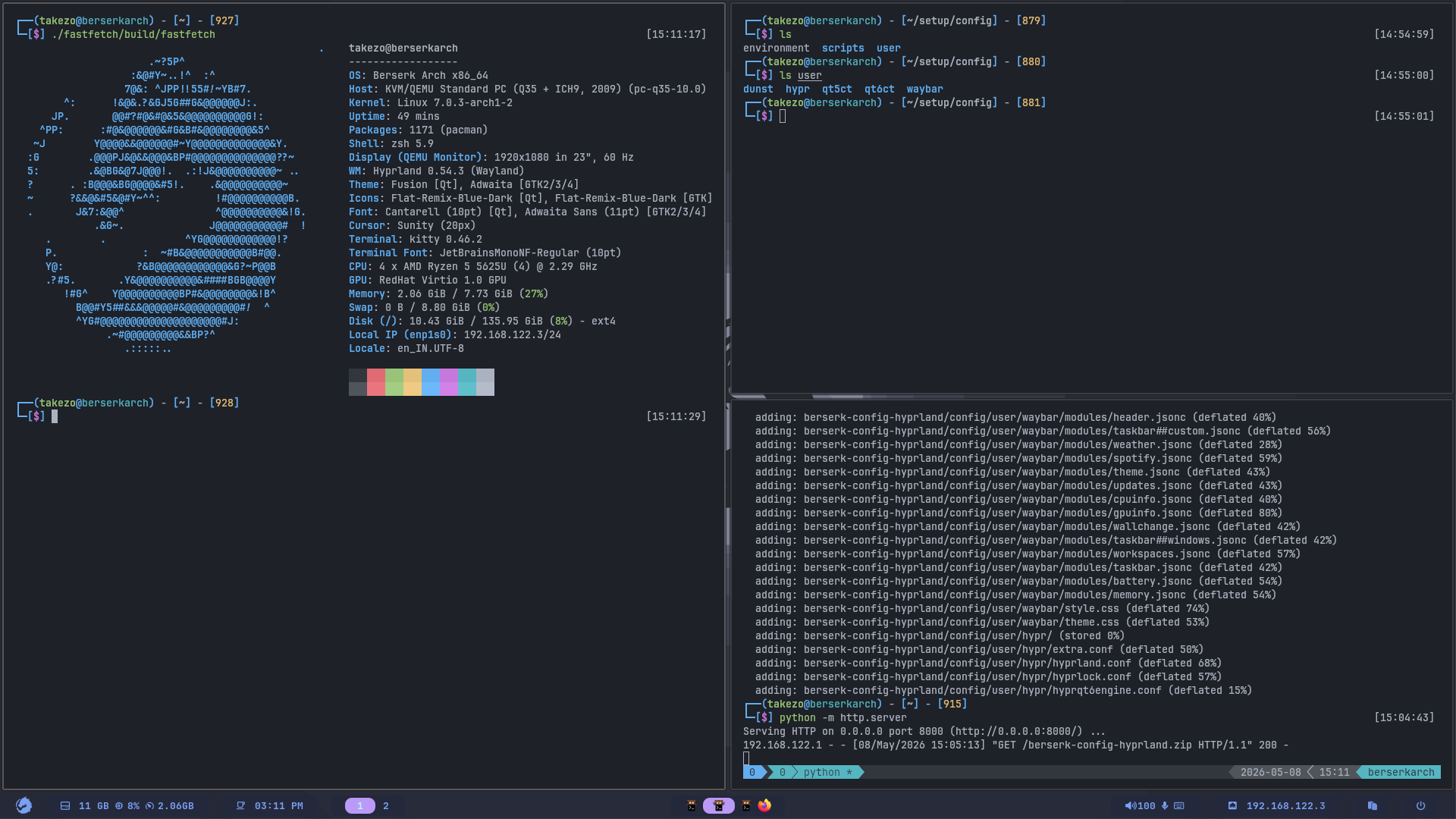
BerserkArch now officially supports Hyprland.
This means:
- Proper Wayland-focused workflows
- Modern GPU acceleration
- Smoother multi-monitor handling
- Better animation responsiveness
Mostly because it’s so much popular among the community, and it’s a genuinely good tiling compositor, generally. But for our specific use case, such as security works, and development, I would not really say that it’s a great fit. I mean, it can be for development but specially for security releated works, NAH.
Mostly because if you’ve been doing security works for a while now, I can almost certaily say that you rely on the X11 protocol and it’s utilities like xclip, xdotool, xinput and so. even if not directly, but through the tools you work with. for example those weird JAVA GUIs that are still a thing in 2026, they rely on X11 for input and clipboard handling, and they can be really buggy on Wayland. Also, some tools that rely on screen capturing or input simulation might not work properly on Wayland due to security restrictions.
So while Hyprland is a great tiling compositor, it might not be the best choice for security professionals who need to use a wide range of tools that might not be fully compatible with Wayland.
But again, it’s a beautiful WM, and it looks great, so pardon me if I been so direct, but yeah, mostly I like hyprland just for the looks and animations. I mean the bar (waybar) customization is never been easier (directly with css, like it’s awesome), it looks great, and if you’re doing mostly development works, I guess it’ll be fine.
Again you can make it work for security work as well, but I guess it’s more of a hassle than a benefit, but if you like it, go for it, it’s your machine after all.
Introducing berserk
This release also introduces the official BerserkArch tool manager:
berserk
A curated offensive security tool manager built specifically around real operator workflows.
So I really like the blackarch’s tool repo, I mean it’s really awesome. But sometimes you can find that the tools you need are not in the latest version (outdated), and the feature that made you choose the tool is in fact in the latest version.
Other thing might be, we often always have to clone some tools repo from somewhere, we installed some tools from package manager, and some other by any other means. we don’t really have a way to say tool/inventory management.
So with berserk cli, I’m trying to fix exactly that, and make it easier to manage the tools you need, and keep them updated, and also have a way to manage your tools inventory in a more organized way.
This is not “yet another package manager.”
And it’s definitely not trying to replace pacman.
That would be stupid.
Instead, berserk solves a different problem entirely:
Managing offensive tooling across fragmented ecosystems without turning your system into a dependency graveyard.
Because offensive tooling today is chaos.
Tools sometimes need to be installed via:
pipxcargogo installgem
Another:
- precompiled GitHub binaries
Another:
- Docker
And suddenly your “clean setup” looks like a landfill operated by 14 maintainers.
berserk unifies that experience.
and that might not be a problem for some distro like distro based on debian/ubuntu. but for arch-based distros, yeah package conflicts and dependency hell can be a real problem, especially if you want to have the latest version of the tools, which is often the case in security works.
What berserk Actually Does
With a single interface, you can:
- Install curated offensive tooling
- Manage categorized tooling profiles
- Handle Docker-based tooling
- Sync curated repositories
- Update tools across ecosystems
- Search tools rapidly
- Maintain reproducible operator setups
Example:
berserk install nuclei httpx ffuf
berserk install --profile ad-attacks
berserk update
berserk run kali-cli
Simple.
Profiles and Workflow-Based Operations
One of the strongest parts of the new system is profile composition.
Instead of manually rebuilding environments repeatedly, BerserkArch can now model workflows directly.
Examples:
- AD attacks
- Web
- Post-exploitation
- Credentials
- Recon
- Red-team compositions
That means onboarding new VMs, rebuilding environments, or deploying fresh workstations becomes dramatically faster.
Especially useful for:
- Red team operators
- Lab rebuilds
- Disposable engagement VMs
- Cloud attack infrastructure
- Research environments
Which means you can also curate your own profiles, since the profiles/tools/docker containers, all are just a bunch of yaml files, you can easily edit them, and add your own tools, or remove the ones you don’t need.
Containers as First-Class Citizens
Another major feature:
Containerized workflows are now integrated directly into the ecosystem.
You can:
- Search containers
- Launch containers directly
- Run GUI apps in containers
- Maintain isolated tooling environments
- Keep persistent mapped data
Example:
berserk run tor-browser
berserk run kali-cli
This matters more than people realize.
Modern offensive workflows increasingly depend on isolation:
- malware analysis
- browser isolation
- OPSEC separation
- unstable tooling
- dependency conflicts
- experimental frameworks
Containers stop becoming “optional” very quickly once you scale operations.
Philosophy Matters
BerserkArch was never intended to become a beginner distro trying to please everyone, it’s in a way say my personal workflow or my way of a linux distro that I would like to use.
That means:
- modularity
- minimalism
- composability
- reproducibility
- user control
You install what you need. You understand your stack. You own your environment.
Final Thoughts
BerserkArch is built from the perspective of someone who actually lives inside these workflows every day. So go ahead, try if you like, ignore and throw away if don’t.
Links
For more info on berserk cli: